


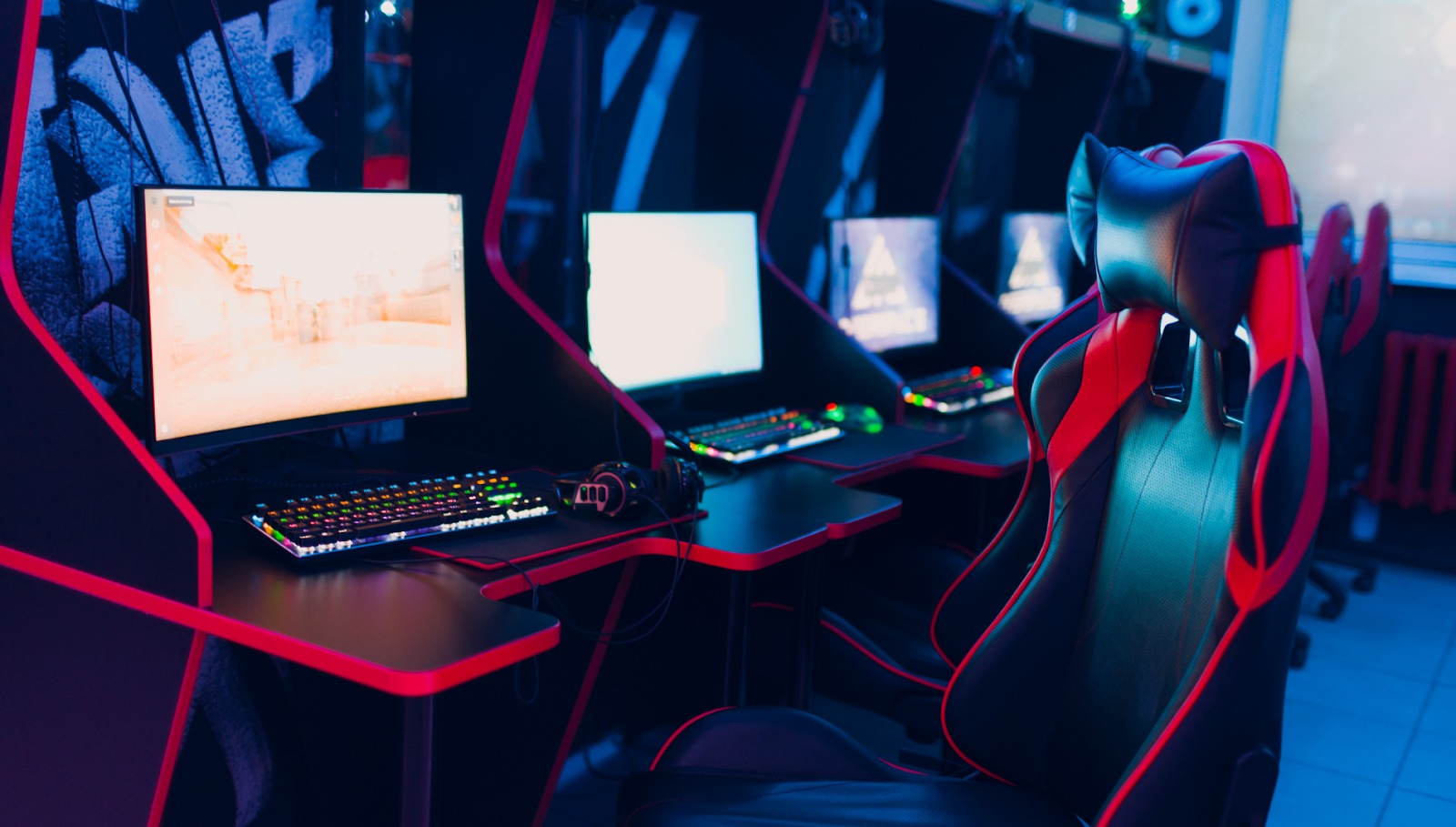

Can the right environment turn gameplay into a true team-building experience? For competitive gamers, streamers, or workplace teams using games for collaboration, the setup of the gaming room plays a crucial role. It’s not just about flashy lights or powerful hardware—it’s about creating a space that encourages communication, sharpens concentration, and brings people together.
The growing demand reflects this shift: the global game room furniture market was valued at USD 8.5 billion in 2023 and is projected to reach USD 13.9 billion by 2032. From layout and lighting to seating and sound, every detail can influence how well a team connects and performs. In this article, you’ll discover how to design a gaming room that strengthens team spirit while supporting focus and peak performance.
Essential Gaming Room Setup Strategies for Team Environments
Gaming room setup becomes exponentially more complex when you’re designing for multiple people instead of just yourself. You’re balancing individual comfort with group dynamics, ensuring everyone can communicate effectively while maintaining their personal space.
Circular Communication Layouts That Enhance Team Coordination
Arranging your team in a circular or semi-circular pattern creates natural sight lines between players. This setup lets everyone see facial expressions and hand gestures, which are crucial for non-verbal communication during intense gaming moments.
Consider positioning your main display where all team members can view it comfortably without craning their necks. The ideal distance from the screen to the seating ranges from 6-10 feet, depending on your display size.
Multi-Station Gaming Configurations for Seamless Collaboration
Creating individual workstations within your shared space gives each player their territory while maintaining team cohesion. Place area rugs beneath each gaming station to define personal zones and reduce noise from chair movement. These designated spaces help prevent territorial conflicts while ensuring everyone has equal access to power outlets and networking connections.
Flexible Furniture Arrangements That Adapt to Different Team Sizes
Your team won’t always be the same size for every session. Modular furniture pieces that can be easily rearranged let you accommodate anywhere from 2-8 players without completely redesigning your space. Rolling chairs and lightweight tables make reconfiguration quick and painless.
With your optimal layout established, the next critical step is selecting furniture that sustains your team’s performance throughout those marathon gaming sessions that can stretch for hours.
Focus-Enhancing Furniture Selection for Peak Team Performance
Focus-enhancing furniture directly impacts your team’s ability to maintain concentration during those crucial tournament moments. Poor seating choices lead to fidgeting, while inadequate desk space creates frustration that breaks team flow.
Ergonomic Seating Solutions That Reduce Fatigue During Long Sessions
Quality gaming chairs aren’t just about looking cool – they’re essential for maintaining alertness over 6-8 hour sessions. Look for chairs with adjustable lumbar support, armrests that won’t interfere with mouse movement, and breathable materials that prevent overheating.
Each team member’s height and body type affect their ideal chair settings. Consider chairs with extensive adjustment ranges to accommodate everyone comfortably.
Height-Adjustable Desks for Optimal Screen Positioning Across Team Members
Standing desks aren’t just office furniture anymore. Adjustable-height gaming desks let players switch positions throughout long sessions, improving circulation and reducing the mental fatigue that comes from sitting in one position too long.
The key is ensuring the monitor height stays consistent with eye level, whether players are sitting or standing.
Modular Storage Systems That Keep Equipment Organized and Accessible
Built-in storage prevents the clutter that kills team focus. Desk-mounted shelves, under-desk drawers, and cable management systems keep controllers, headsets, and spare equipment within reach but out of the way.
Consider storage solutions that don’t require players to leave their seats during gameplay.
While ergonomic furniture forms the foundation of comfort, strategic decor elements serve as the catalyst that transforms individual players into a unified, motivated team.
Team Spirit Decor Elements That Build Cohesion
Team spirit decor goes beyond just making your space look cool. The right visual elements influence team psychology, creating shared identity and motivation that carry through to performance.
Color Psychology Applications for Enhanced Team Bonding
Colors genuinely affect mood and energy levels. Blues promote calm focus, while strategic red accents boost competitive drive. Green elements reduce eye strain during extended sessions.
Your team’s existing preferences matter too. If everyone loves a particular game or franchise, incorporating those color schemes creates an instant emotional connection to the space.
Motivational Wall Graphics and Achievement Display Systems
Displaying past victories, tournament brackets, and team photos builds pride in shared accomplishments. Digital displays can rotate through highlights, keeping achievements visible without cluttering wall space.
Consider creating a “wall of fame” that celebrates both team wins and individual achievements within the group.
Branded Team Elements That Foster Identity and Pride
Custom team logos, matching peripherals, and coordinated lighting schemes help create group identity. Even simple matching mousepads or monitor backgrounds reinforce the feeling that you’re part of something bigger than individual play.
Gaming Room Organization Systems for Maximum Efficiency
Gaming room organization becomes critical when multiple people share equipment, snacks, and limited space. Without clear systems, you’ll waste precious time hunting for controllers or untangling cables.
Cable Management Solutions That Prevent Distractions
Exposed cables create visual clutter and tripping hazards that break concentration. Under-desk cable trays, adhesive cable clips, and spiral wrap systems keep power and data cables organized and out of sight.
Label your cables at both ends so anyone can quickly identify which cord goes where during setup or troubleshooting.
Equipment Rotation Stations for Fair Access and Maintenance
Designated charging stations for controllers, headset hangers, and equipment check-out systems prevent arguments over who gets what gear. Create clear protocols for equipment sharing that everyone understands and follows.
Consider having backup equipment readily available for when the primary gear fails during important sessions.
Gaming Environment Tips for Sustained Focus and Comfort
Gaming environment tips often focus on individual comfort, but team environments require balancing multiple people’s needs simultaneously. Temperature, lighting, and air quality affect everyone differently.
Strategic Lighting Systems That Minimize Eye Strain and Enhance Alertness
Bias lighting behind monitors reduces contrast between bright screens and dark rooms, preventing eye fatigue. Adjustable overhead lighting lets you modify ambiance for different activities – brighter for strategy discussions, dimmer for immersive gameplay.
Consider smart lighting systems that automatically adjust throughout the day to maintain optimal conditions.
Temperature Control Zones for Different Activity Levels
Gaming generates body heat, especially during intense sessions. Multiple people in one room compound this effect. Programmable thermostats, ceiling fans, and personal cooling devices help maintain comfortable temperatures for everyone.
Some players run hot while others get cold easily, so provide options like small space heaters or personal fans.
Acoustic Design Features That Balance Communication and Concentration
Sound management becomes tricky with multiple players. You need to hear teammates clearly while minimizing distracting echoes or outside noise. Acoustic panels, thick curtains, and strategic furniture placement help control sound levels.
Consider noise-canceling headphones for individual focus during solo practice, with easy switching to open-back headphones for team communication.
Creating Your Ultimate Team Gaming Space
Building the perfect team gaming environment takes time, but the investment pays off in improved performance and stronger team bonds. Start with your layout and furniture basics, then gradually add organizational systems and environmental improvements.
Remember that every team has different needs, so stay flexible and gather feedback from your players. The best gaming room setup is one that evolves with your team’s changing requirements and growing skills.
FAQs
What’s the ideal room size for a 4-person gaming team?
A minimum of 200 square feet works for basic setups, but 300+ square feet allows comfortable movement and equipment storage without feeling cramped.
How much should I budget for a complete team gaming room?
Expect $3,000-8,000 for quality furniture, equipment, and environmental controls, though you can phase improvements over time to spread costs.
Can I convert a garage or basement into an effective gaming space?
Yes, but you’ll need proper climate control, moisture management, and sound insulation to create comfortable conditions for extended gaming sessions.
